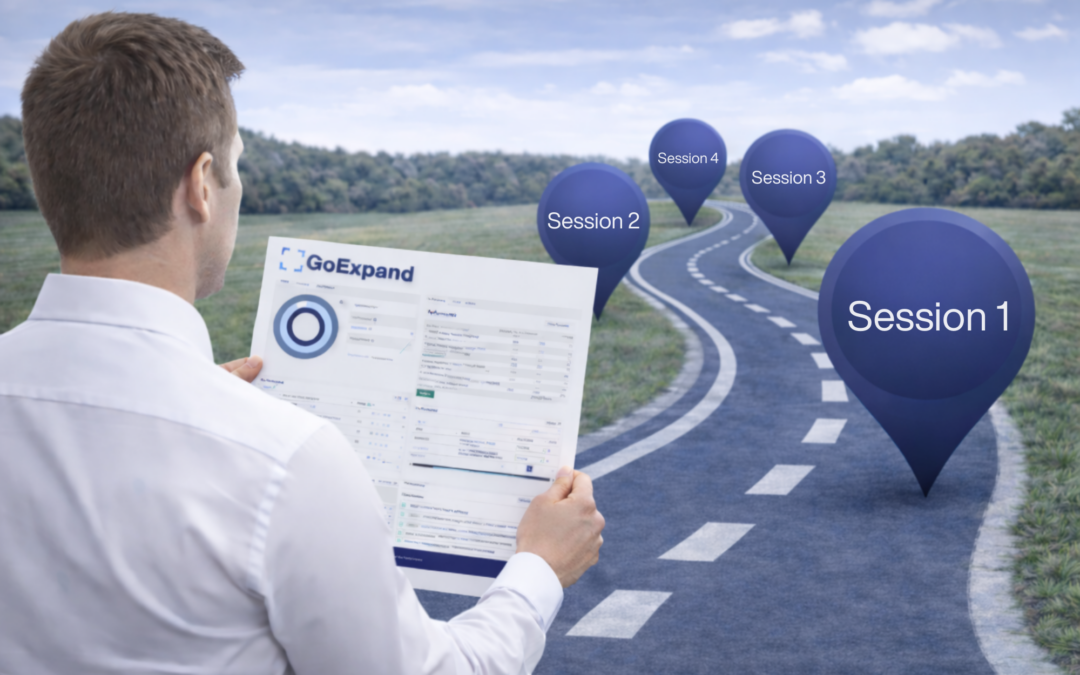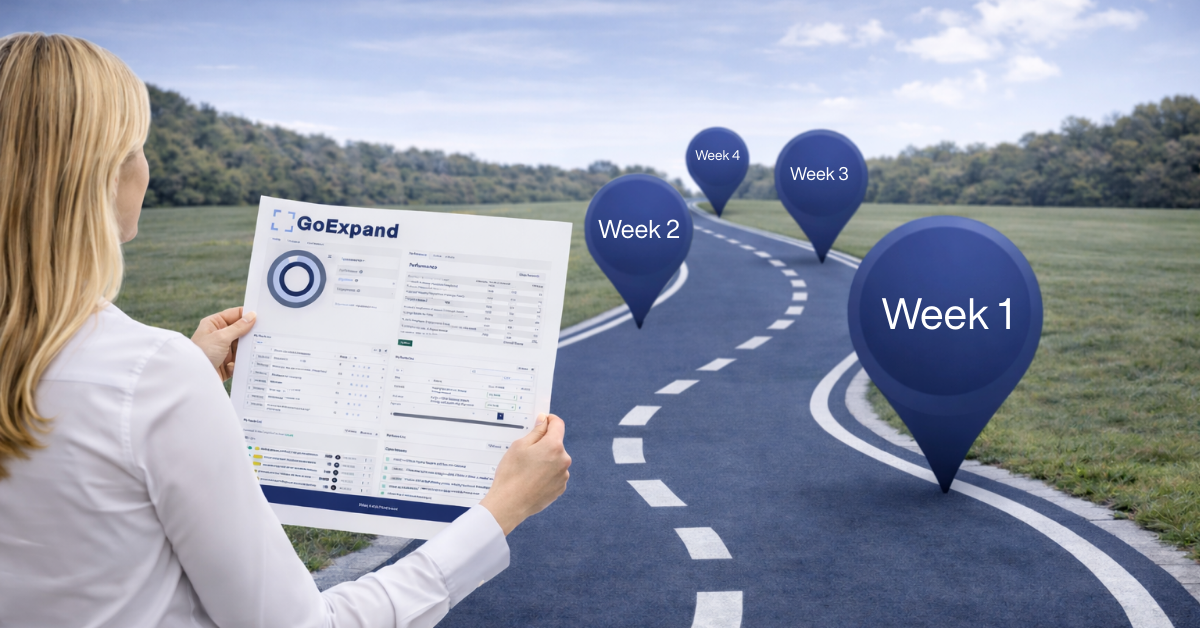
Rolling out GoExpand while running on EOS® shouldn’t feel overwhelming. Our goal is simple: help your leadership team learn the platform while actively using it inside your real Level 10 Meetings™.
Over four weeks, we guide you step-by-step so that by the end, your team is confidently running structured Level 10 Meetings™ and using the platform independently.
You won’t just “learn features.”
You’ll strengthen your Meeting Pulse™.
Tip: Prior to your first session, we encourage your leadership team to review your 3-Step Admin Setup – we will start here during our first session.
Management: Provide your management teams with the link to our GoExpand User Setup Guide for EOS® Teams – a shorter version of the 3-Step Admin Setup covering basic user functions and features. This article will assist them for when GoExpand is rolled out at this level.
Asking yourself, what is EOS®? Make sure to read – What Is EOS®? A Beginner-Friendly Guide for Leadership Teams.
→ GoExpand Sandbox Access: Figment | GoExpand
A playground for you and your team to build out and play around with our features!
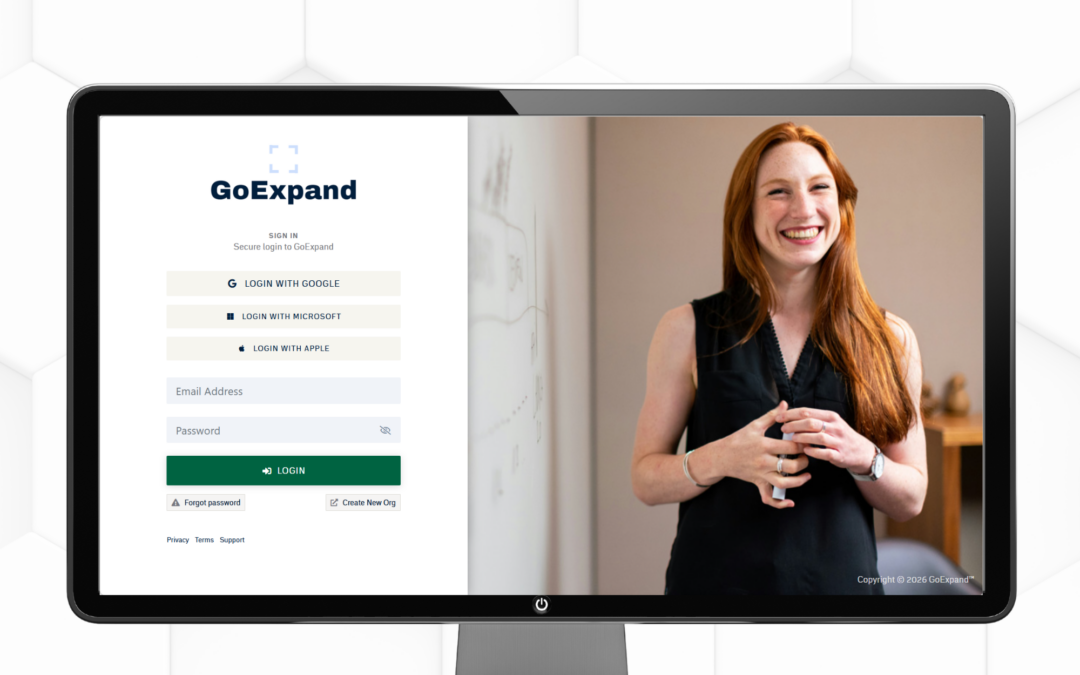
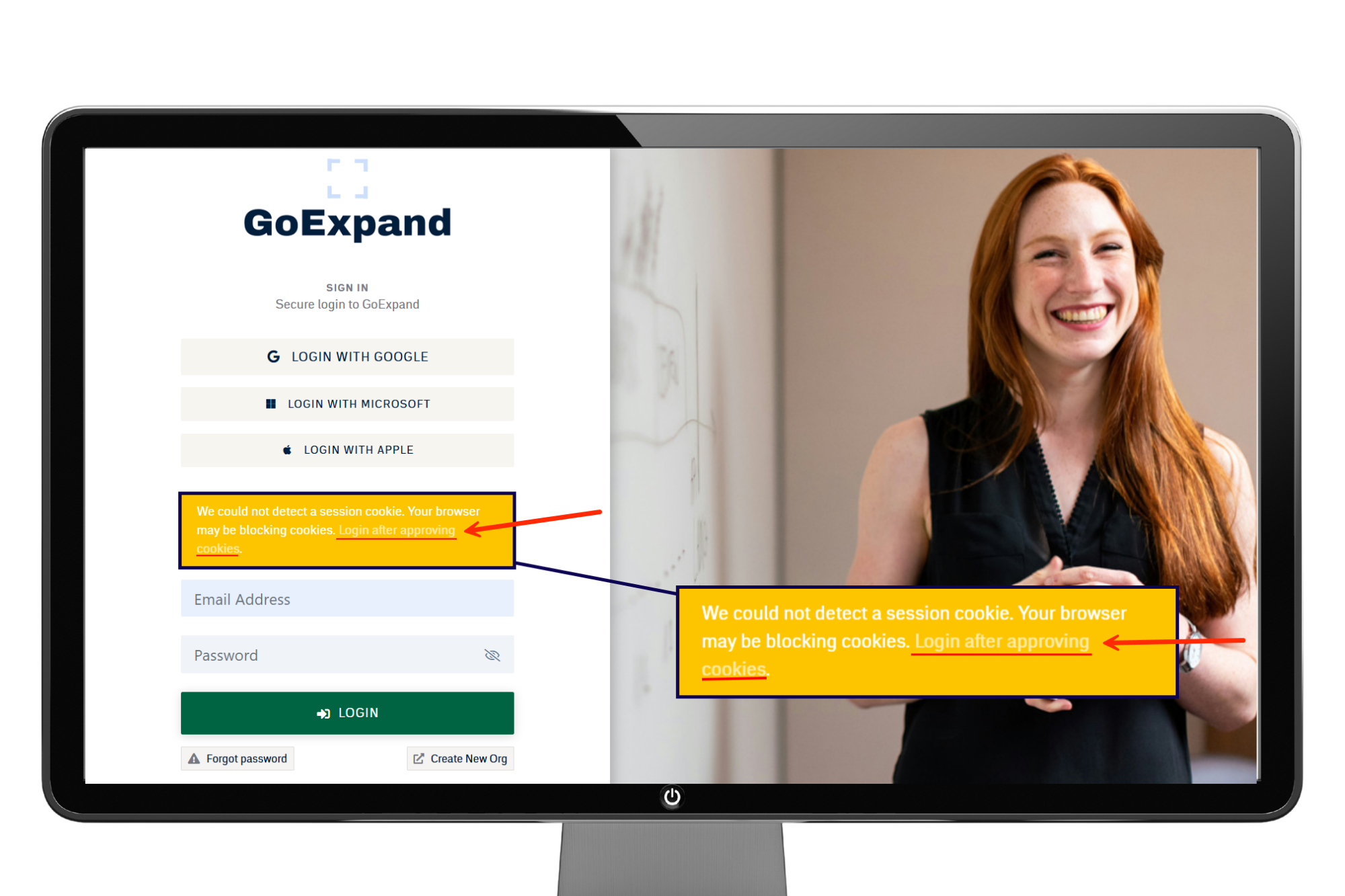
No need to register or login, just use the backdoor by clicking, Login after approving cookies.
Week 1: Getting Comfortable & Running Your First Level 10 Meeting™
Session 1 (60–90 Minutes)
We start with the essentials and keep it practical.
What we’ll cover:
- Review of 3-Step Admin Setup
- How to navigate GoExpand
- Understanding your dashboard
- Setting up users and assigning seats on the Accountability Chart™
- Adding a few key measurables to your Scorecard
- Creating Rocks and To-Dos
- Preparing for your first Level 10 Meeting™
We’ll walk through the Level 10 Meeting™ Agenda:
- Segue– A brief opening check-in that helps the team transition into meeting mode and build connection before diving into business.
- Scorecard – A review of 5–15 weekly measurable numbers that provide an early warning system for the health of the business.
- Rock Review – A check-in on quarterly Rocks (90-day priorities) to confirm they are on track or identify obstacles.
- To-Do List – A review of last week’s action items to ensure accountability and completion.
- IDS® (Identify, Discuss, Solve) – The structured issue-solving portion of the meeting where the team identifies root problems, discusses them briefly, and agrees on a solution.
- Conclude – The final wrap-up to confirm new To-Dos, recap decisions, and rate the meeting to ensure continuous improvement.
By the end of Week 1:
You’ll run your first Level 10 Meeting™ with our team supporting you live.
Material Covered: Create and Manage To-Dos, Create and Manage Rocks, Create and Manage Metrics, Level 10 Meeting™ Overview, Level 10 Meeting™ Agenda, Run a Level 10 Meeting™, How to Manage Scorecards in Meetings
Week 2: Strengthening Structure & Accountability
Session 2 (60 Minutes)
Now that your meetings have started, we tighten up clarity and ownership.
What we’ll cover:
- Administrative settings
- Role permissions (seat clarity within the Accountability Chart™)
- Refining your Accountability Chart™
- Ensuring measurables are assigned to the right seat
- Keeping your Level 10 Meetings™ focused and time-boxed
By the end of Week 2:
You’ll run your second Level 10 Meeting™ with greater confidence and smoother flow.
Material Covered: Features, Tips & Tricks, Managing Seats, Access and Permissions, Add and Manage Users, Add and Manage Teams, The Accountability Chart™
Week 3: Deepening Performance & Alignment
Session 3 (60 Minutes)
This week is about sharpening your EOS® Tools.
What we’ll cover:
- Organizing measurable categories within your Scorecard
- Strengthening weekly measurables
- Reviewing and updating your Vision/Traction Organizer™ (V/TO®)
- Aligning quarterly Rocks with your 1-Year Plan
- Managing your Issues List and improving IDS® quality
- Optional integrations and automation tools
We’ll also reinforce how to properly Identify, Discuss, and Solve using IDS® so meetings drive traction instead of conversation.
By the end of Week 3:
Your third Level 10 Meeting™ is run with minimal to no guidance from us.
Material Covered: V/TO Overview, Updating Your V/TO, Performance Reviews, Using OpenAI & AI Assistant, Integrating Asana, Advanced Admin Features
Week 4: Confidence & Independence
Session 4 (Optional, 30–60 Minutes)
This week ensures everything feels natural and disciplined.
We’ll:
- Fine-tune dashboards
- Review Scorecard measurables for clarity and predictability
- Reinforce accountability within the Accountability Chart™
- Strengthen Rock tracking
- Review Meeting Pulse™ best practices
- Answer any outstanding questions
- Explore additional GoExpand capabilities
By the end of Week 4:
You’ll run your fourth Level 10 Meeting™ independently — with your leadership team aligned, accountable, and gaining Traction®.
What This Roadmap Really Does
Instead of overwhelming your team with features, we:
- Teach in manageable steps
- Apply learning immediately inside real Level 10 Meetings™
- Build habits through the EOS® Meeting Pulse™
- Strengthen discipline around Rocks, Scorecards, and IDS®
- Keep everything practical and focused
- Ensure accountability lives inside the Accountability Chart™
By the end of four weeks, GoExpand won’t feel like new software.
It will feel like how your leadership team runs on EOS® — aligned, disciplined, and consistently gaining Traction®.
References and further reads:
Entrepreneurial Operating System Explained – EOS Worldwide
Overview of how EOS helps leadership teams gain clarity, execution discipline, and consistent traction, including use of tools like Vision/Traction Organizer™, Scorecards, and meeting rhythms.
Entrepreneurial Operating System Explained | EOS Worldwide
15 Top EOS Experts Share Success Stories – Rise25
Insights from seasoned EOS practitioners on real success stories and how EOS tools and principles have helped businesses align teams, clarify priorities, and get results.
15 Top EOS Experts Share Their Favorite Success Stories with EOS
Case Studies on EOS Impact – 3P Partners
Industry-specific case examples showing measurable benefits of EOS implementation — such as goal alignment, accountability improvement, and structured problem solving.
Case Studies: The Impact of an Entrepreneurial Operating System (EOS)
Forbes: How EOS Helped a Company Improve Focus and Performance
A first-hand business narrative on implementing the EOS framework to restructure leadership focus, enforce discipline, and turn around company performance.
EOS: What It Is, And How It Saved Our Company – Forbes
University of Chicago Polsky Center: How a Business Operating System Breaks Through Barriers
Academic/entrepreneurial perspective on how systematic operating frameworks like EOS help businesses clarify vision, unify teams, and strengthen core organizational components.
How an Operating System Can Help Your Small Business Break Through Barriers