
Security, support, and implementation
Run the business with support close—and access kept in context.
GoExpand combines assisted onboarding, practical product guidance, permission-aware access, secure cloud infrastructure, and ongoing support for teams operating on one connected platform.
Support from setup through ongoing use
Help the team reach real adoption—not just account creation.
Free assisted onboarding
Configure the essentials, bring in the team, and prepare the first successful operating workflows.
Knowledge base
Use practical articles, walkthroughs, and product guidance when the team needs an answer.
Human support
Escalate questions that need context, troubleshooting, or implementation guidance.
Permission-aware access
Give people the context they need without making every view public.
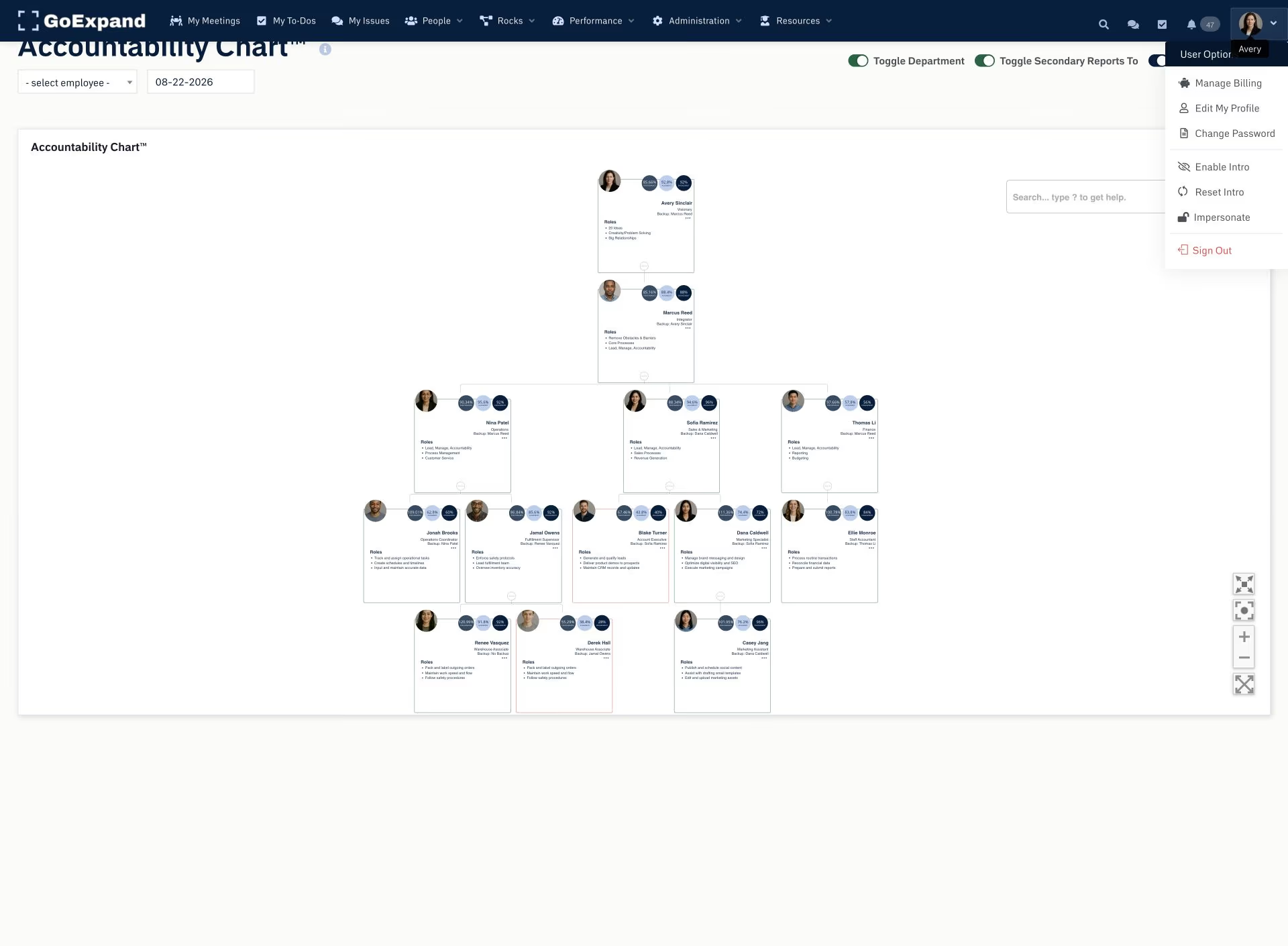
GoExpand supports customizable permissions and hierarchical access so leaders, managers, administrators, and team members can work in role-appropriate views. Authorized impersonation supports configuration, training, and troubleshooting while remaining an administrative capability.
- Role-appropriate access
- Hierarchical visibility
- Administrative configuration and support
- Permission-aware AI and operating history
Infrastructure, AI, and integrations
Ask the security questions that matter to your organization.
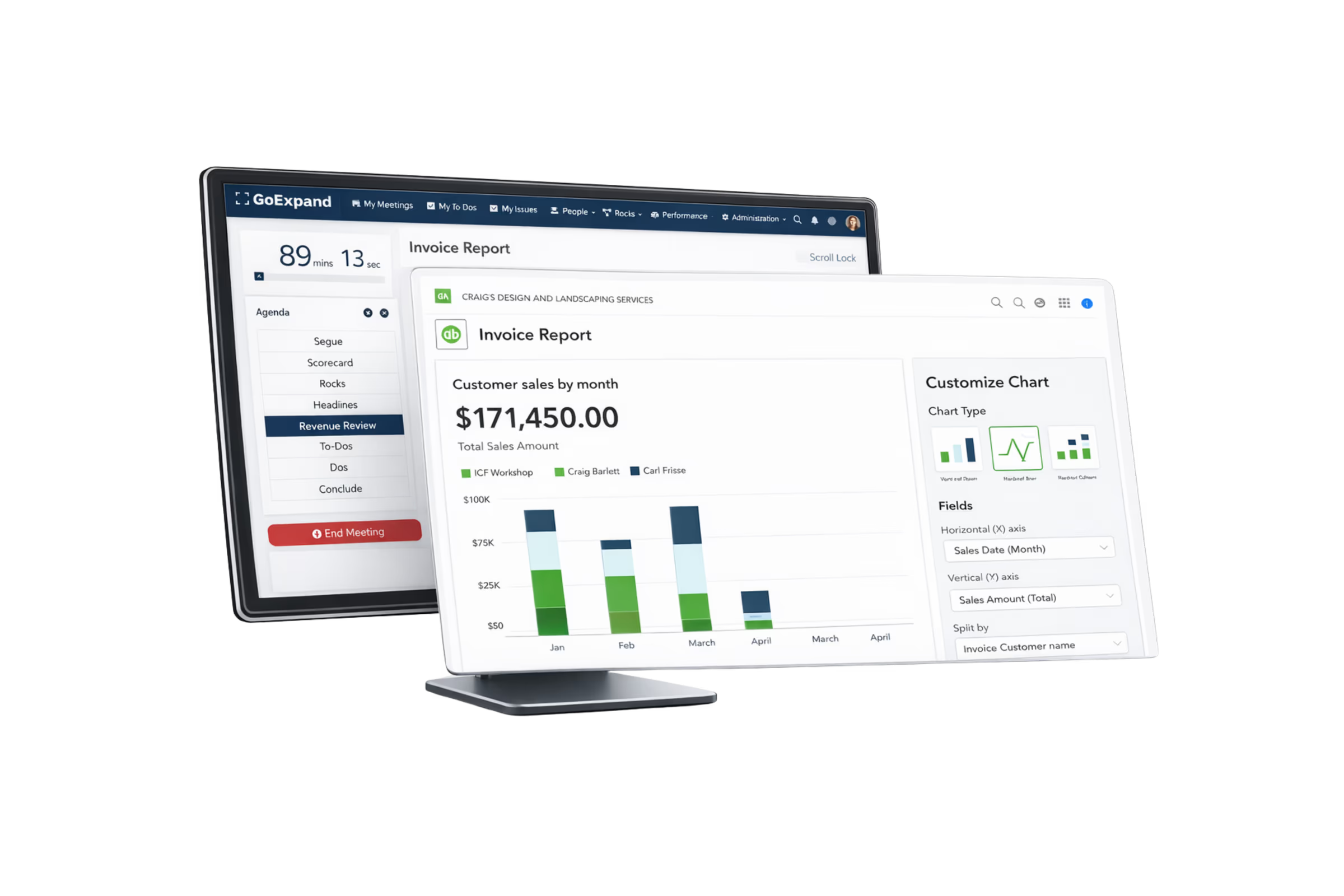
GoExpand’s existing security statement describes Amazon cloud infrastructure, controls intended to prevent customer data from training AI vendor models, and customizable access. Integration options include native and connected workflows such as Asana, QuickBooks, Slack, and other services. Confirm organization-specific security, retention, and integration requirements with the GoExpand team during evaluation.
- Cloud-hosted platform infrastructure
- AI-data handling commitments
- Integration and migration planning
- Organization-specific security review
Start moving
Evaluate the platform with your real requirements.
Bring security, migration, permissions, and implementation questions to a guided conversation.