
GoExpand resources
See the platform. Learn the system. Get support.
Use a live sandbox, practical product tours, implementation guidance, and the knowledge base to explore GoExpand at your own pace.
Product tour
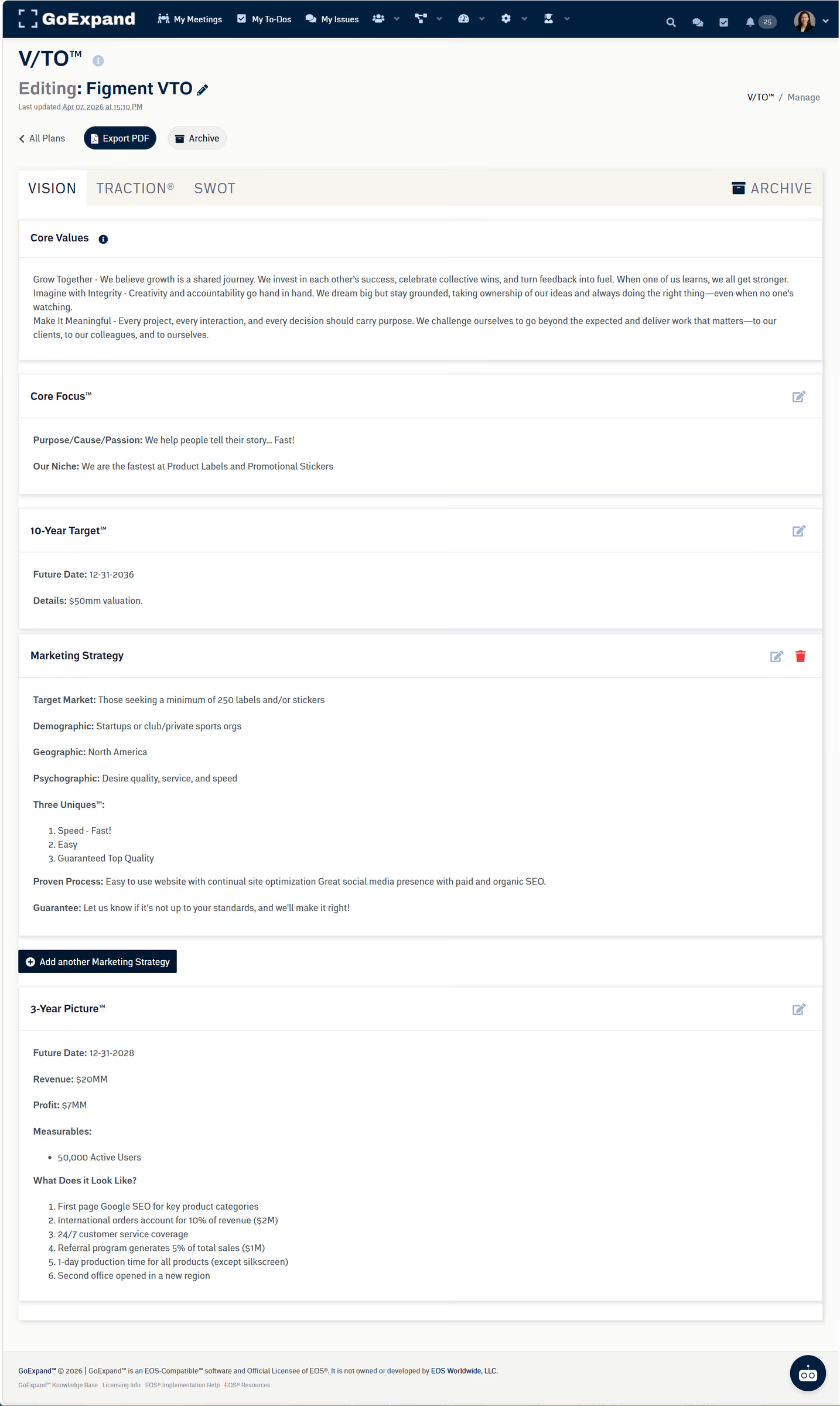
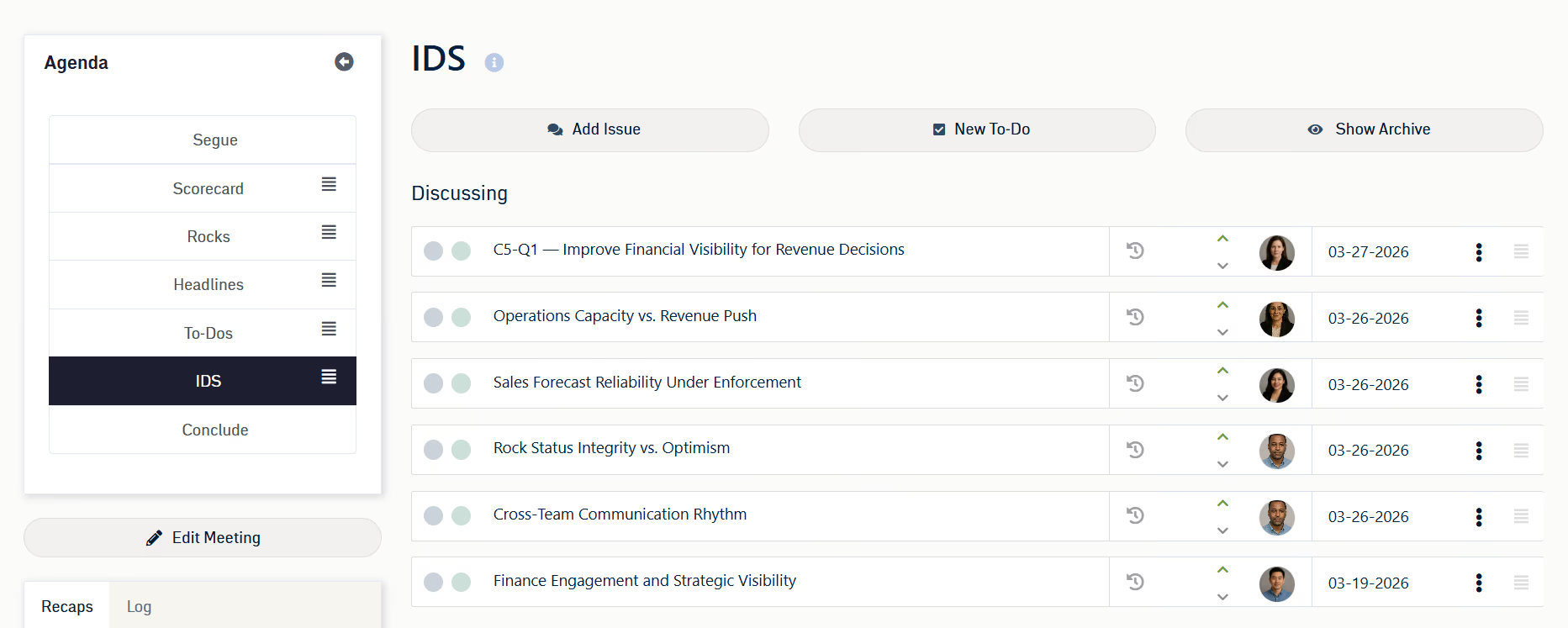
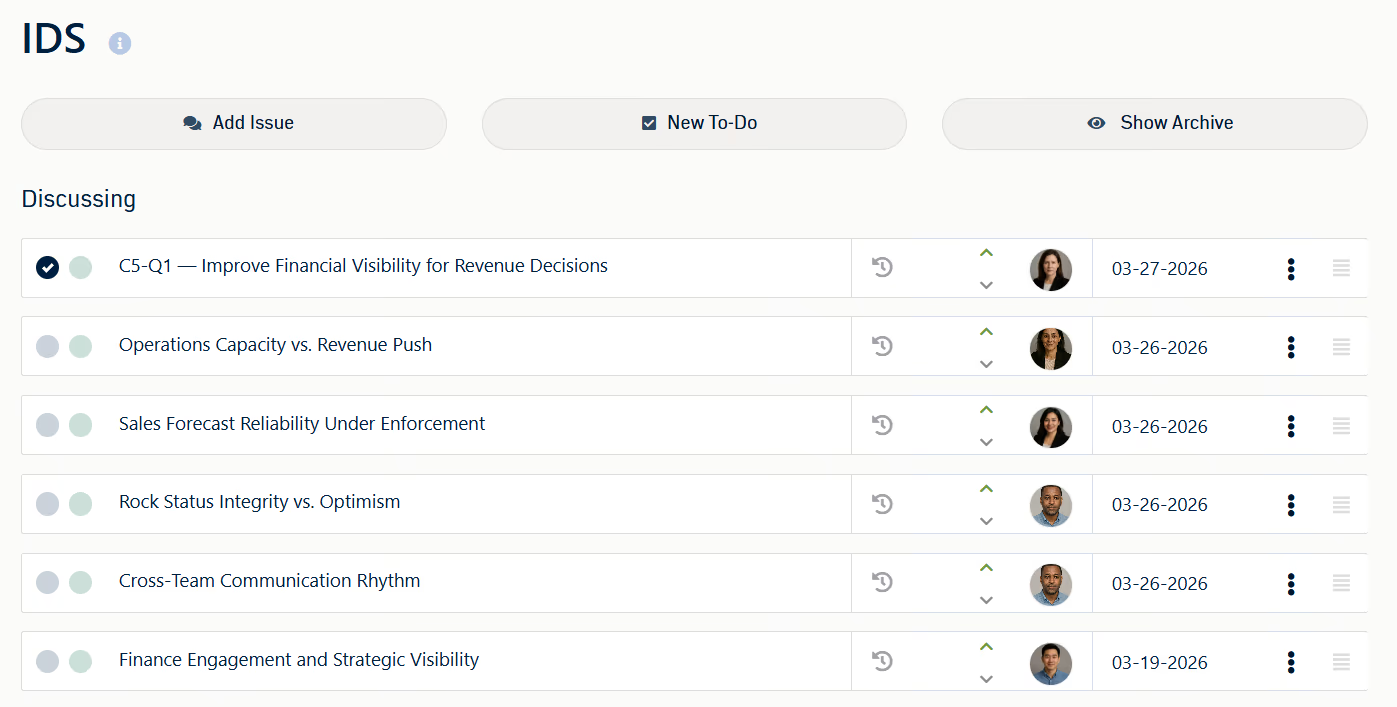
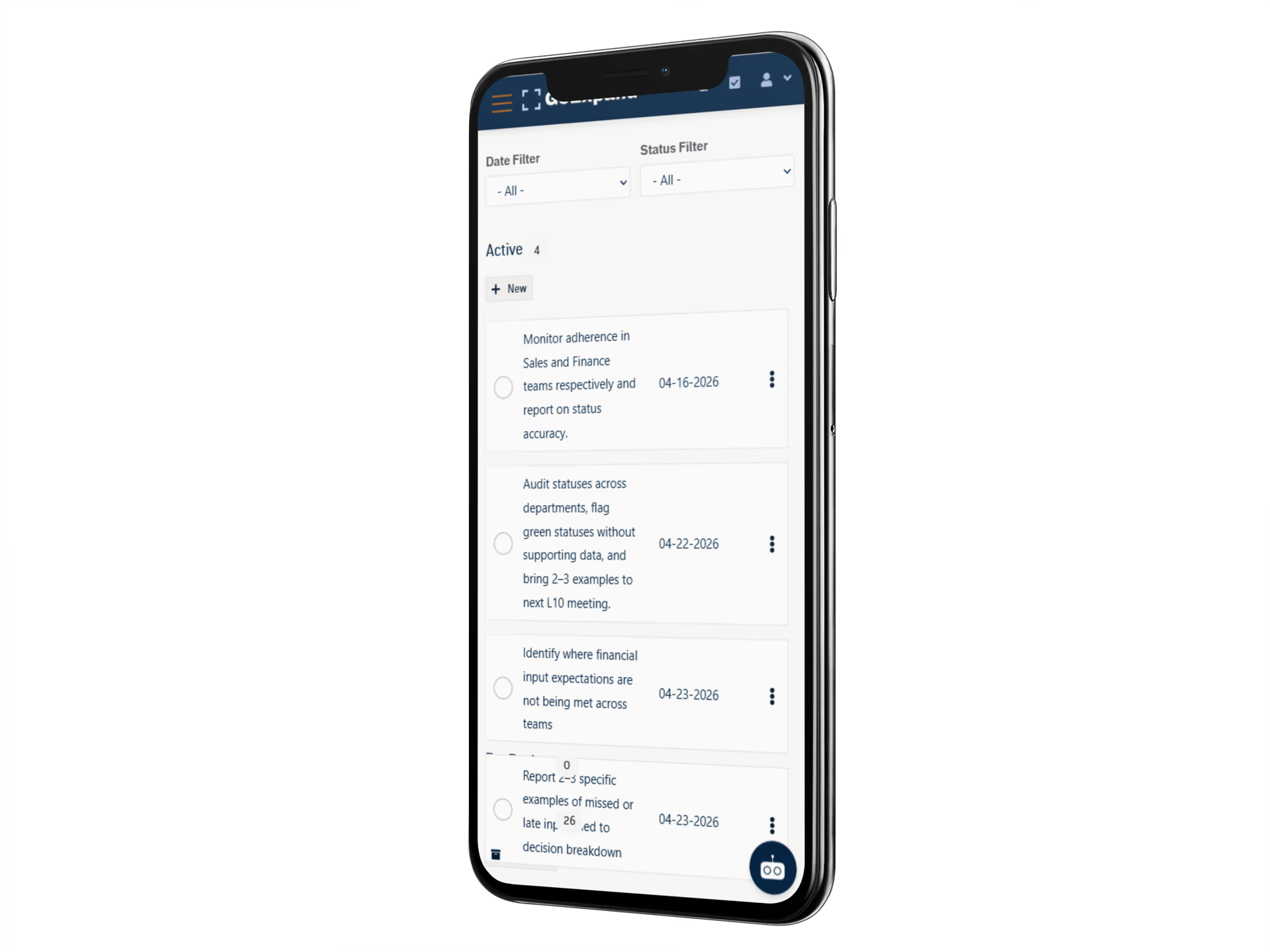
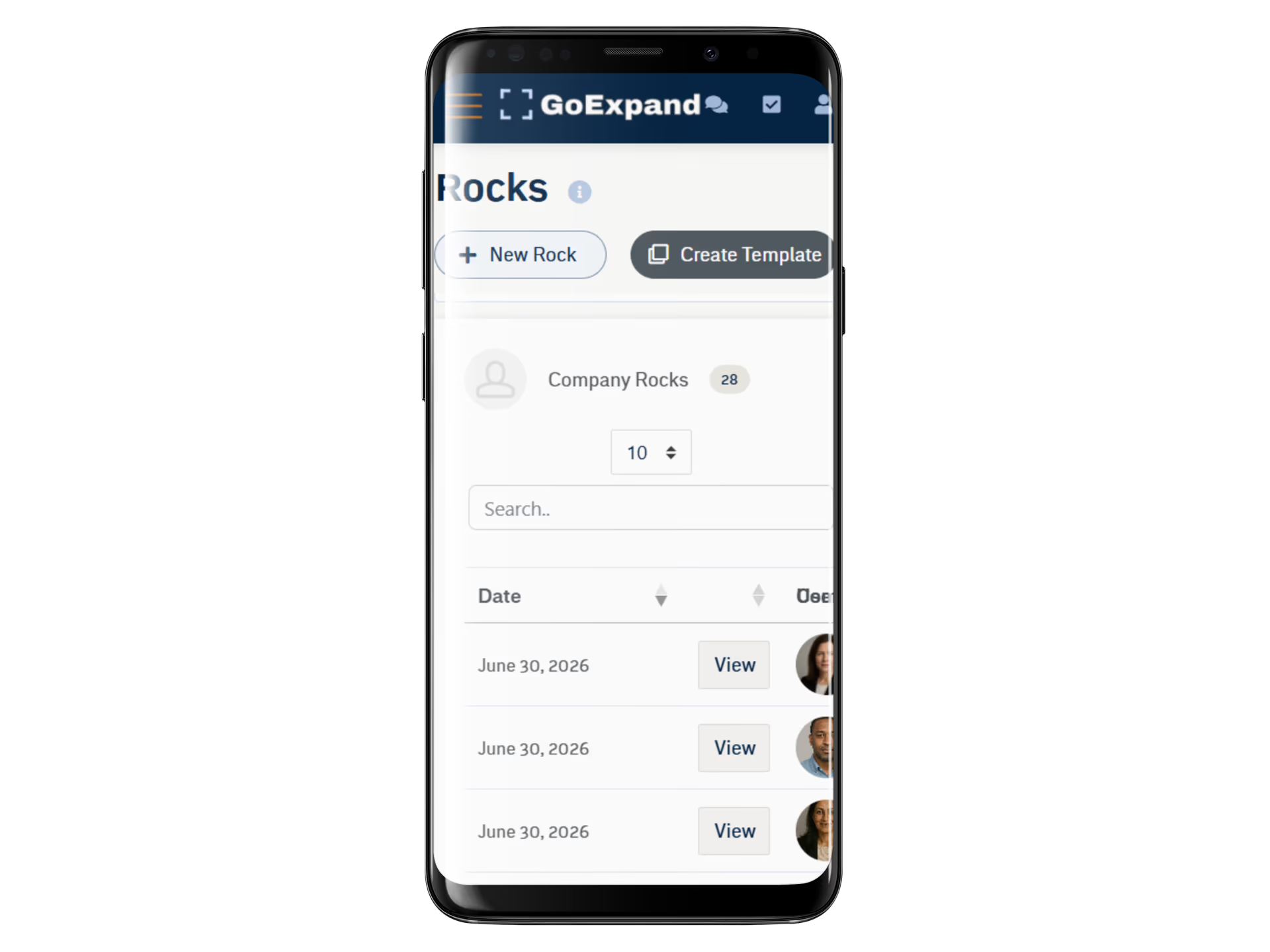
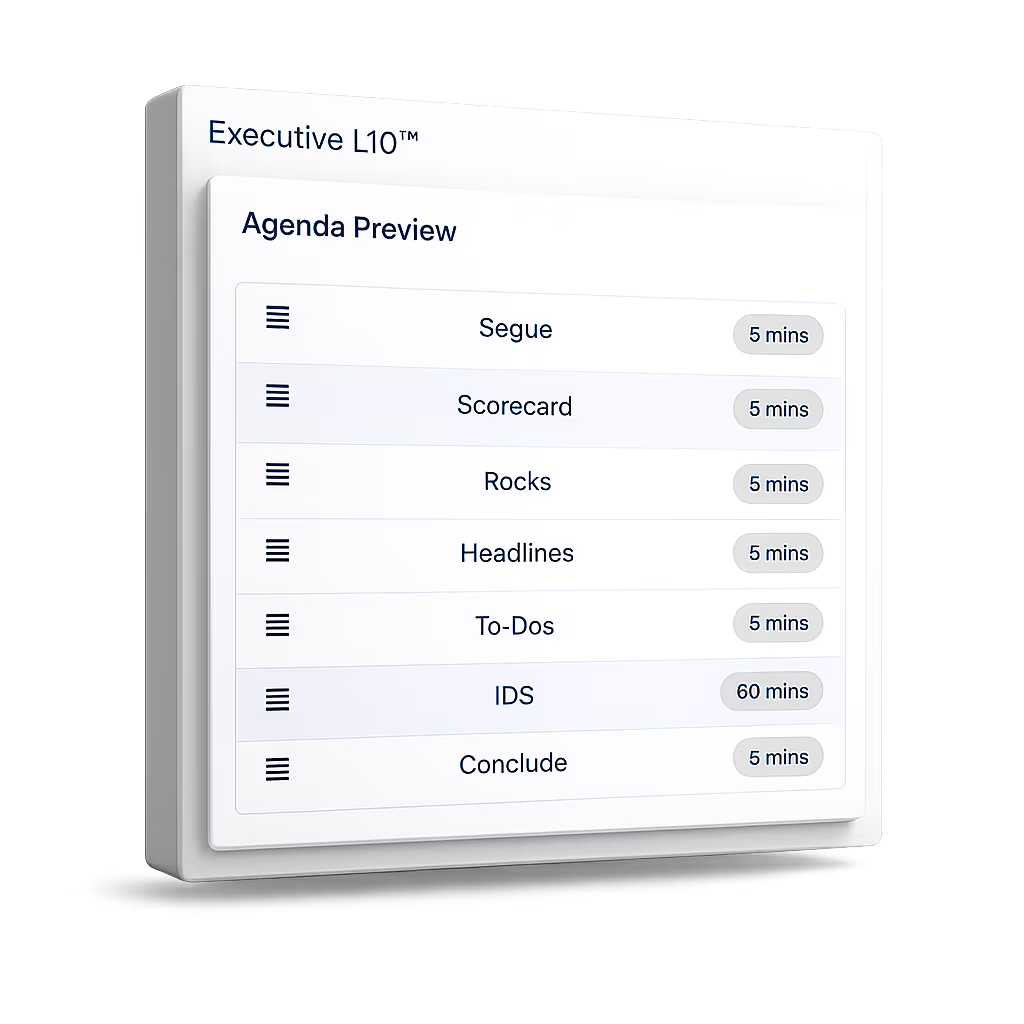
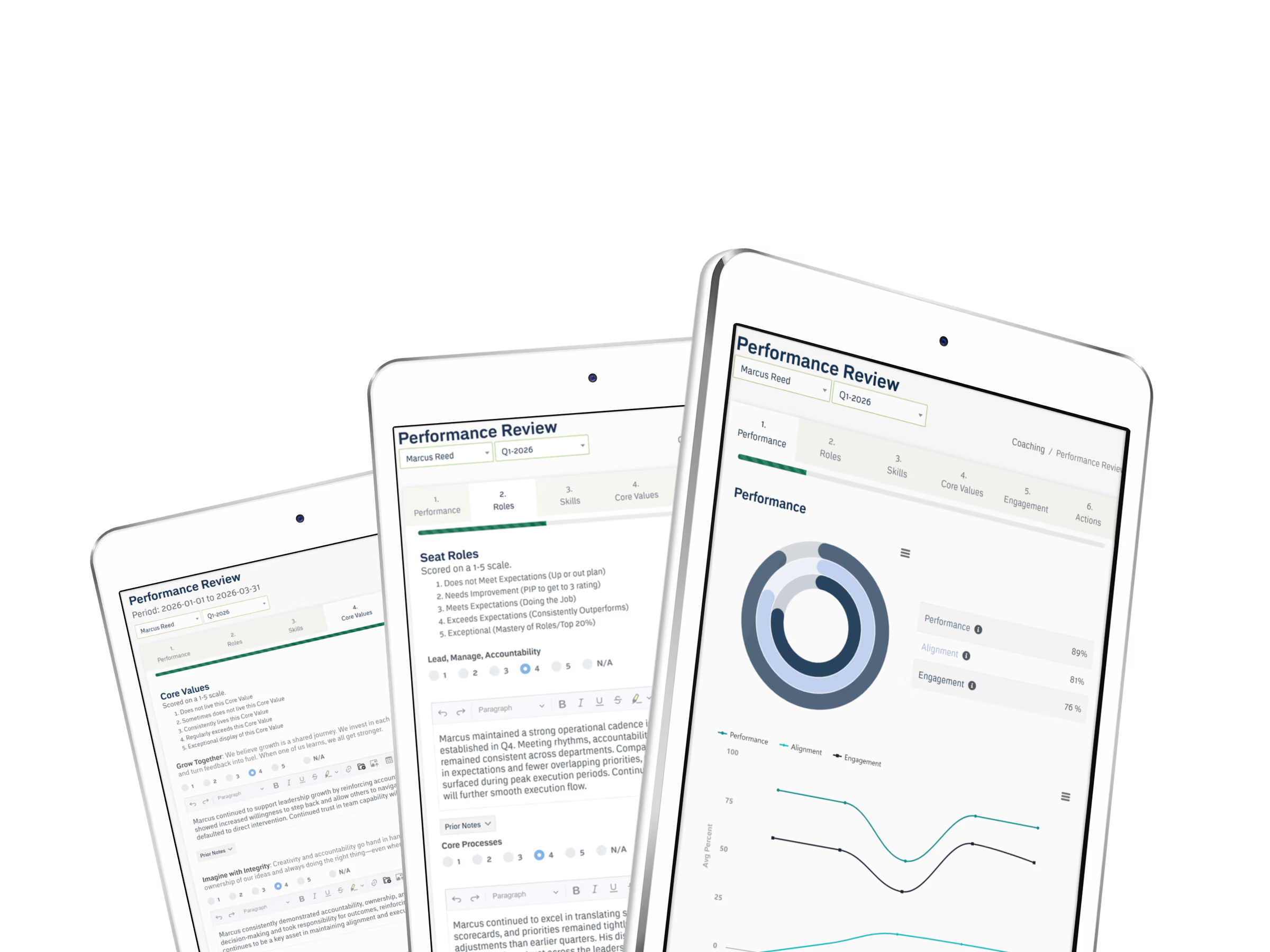
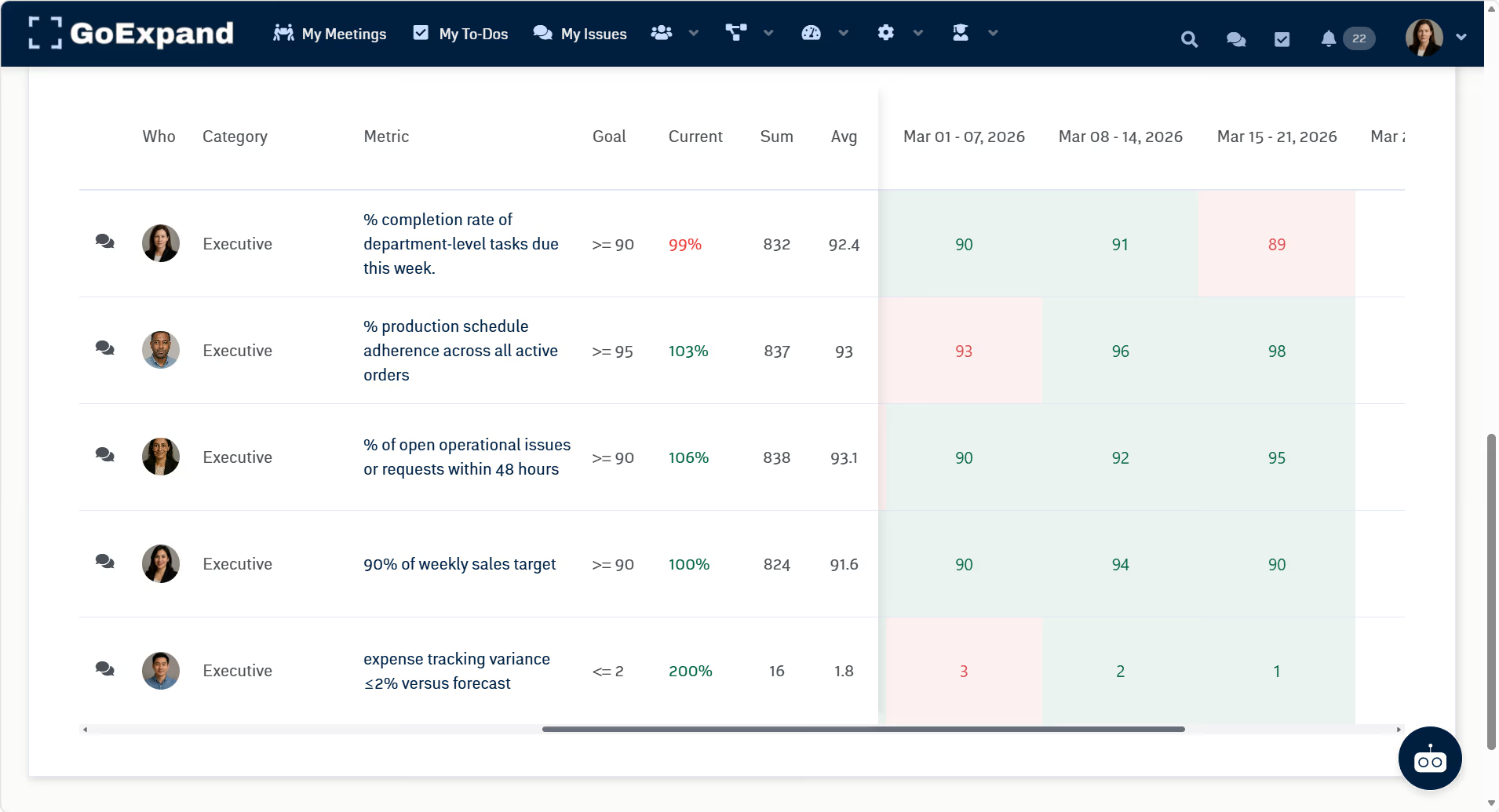
See the strongest platform workflows across planning, meetings, people, AI, and mobile execution.
EOS guides
Explore official terminology and EOS-specific platform workflows.
Customer stories
See how retained customers use GoExpand to connect operating discipline with everyday execution.
Help, security, and implementation
Understand platform operations, support, and the path to a successful rollout.
Featured product tour
12 strong views, selected from the 57-screen April booth collection.
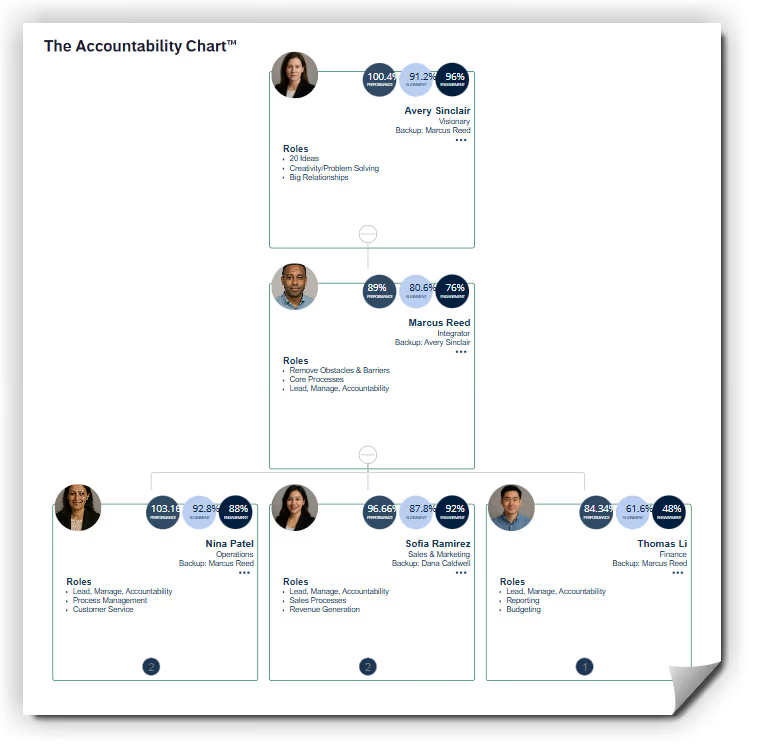
See the clearest workflows across the Accountability Chart™, meetings and IDS, the V/TO™, scorecards, reviews, and mobile execution. The full library will remain organized through focused resource categories rather than crowding this hub.



Browse by operating job
Go deeper without losing the connected picture.
Each guide uses the same GoExpand system and links to the next practical step, so teams can explore one need without landing in a dead end.
Plan and execute
Business planning, the V/TO®, long-term goals, Rocks, projects, and To-Dos.
Meet and learn
Meeting rhythms, templates, AI notes, scorecards, issues, and operating history.
Lead people
Accountability, behavior-aware coaching, feedback, reviews, forms, and pulse signals.
Accountability Chart →
Leadership coaching →
Feedback and check-ins →
Use AI in context
Search operating history and turn meetings, plans, work, and people signals into useful action.
Run on EOS
Explore official EOS terminology, V/TO®, Rocks, scorecards, Level 10 Meetings™, and implementation workflows.
Evaluate platform fit
Compare operating jobs, onboarding, adoption, included capabilities, and current total cost before choosing a platform.
Start moving
Ready to move from learning to doing?
Start the full 30-day trial and use free assisted onboarding to configure the essentials.