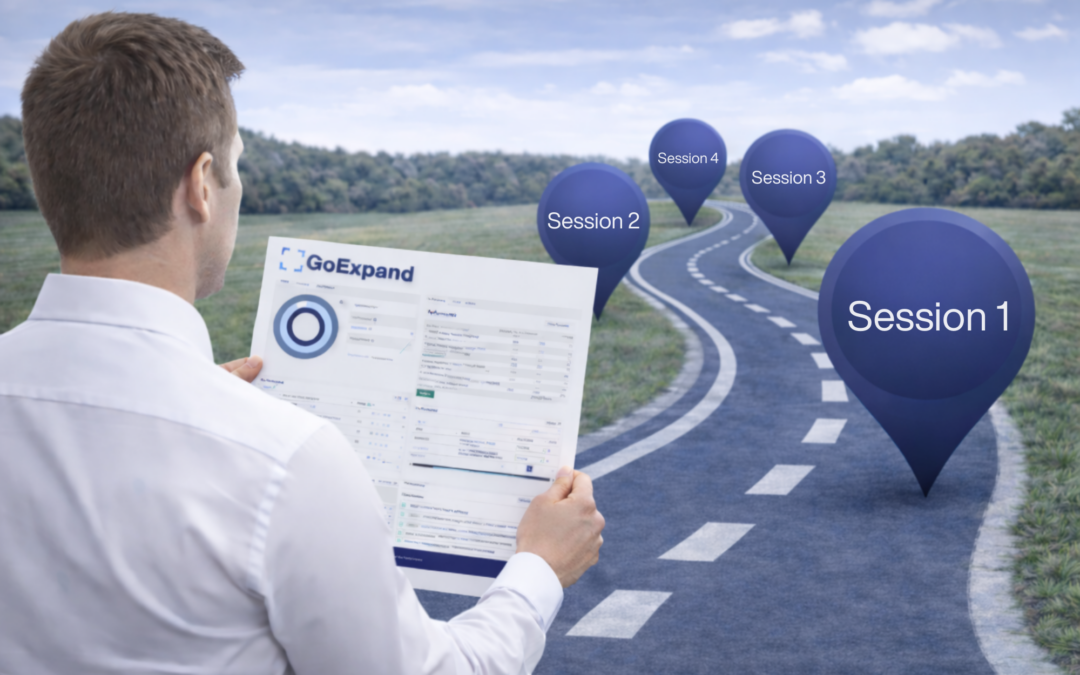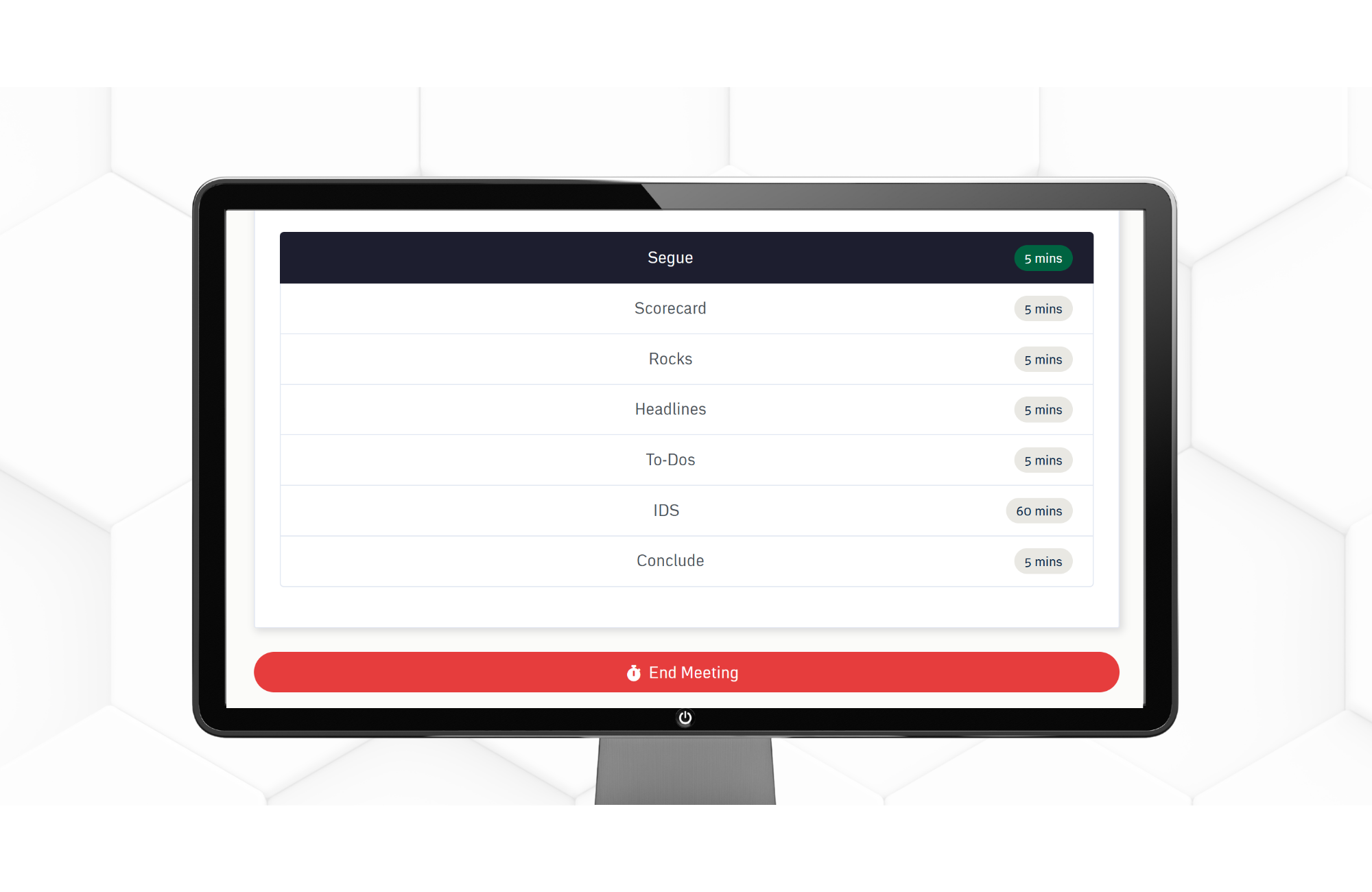
A leadership meeting is most effective when it follows a clear, repeatable agenda that guides the team from connection to execution. Working through the Level 10 Meeting™ agenda items in order—starting with a brief Segue and moving through the Scorecard, Rock Review, To-Do List, Headlines, IDS®, and Conclude—creates structure, focus, and momentum.
Each section serves a specific purpose and builds on the last, helping leaders stay aligned on priorities, surface Issues early, and turn discussion into clear action. By consistently moving through the agenda as designed and respecting each time box, leadership teams can run meetings that are efficient, data-driven, and centered on accountability rather than updates or open-ended discussion.
⏱️ 5 Minutes: Segue
The Segue in a Level 10 Meeting™ is a short, intentional transition at the beginning of the meeting that helps everyone mentally shift from their previous work into the conversation at hand. Its purpose is to get participants present, engaged, and aligned before moving into agenda items or decisions.
A good segue might include a quick personal or professional win, good news, or a brief check-in that sets the tone for the meeting.
To use it properly, keep it time-boxed, inclusive, and relevant—everyone should have an opportunity to participate without it turning into side conversations.
When used consistently, the segue builds connection, improves focus, and creates a smoother, more productive start to every meeting.
⏱️ 5 Minutes: Scorecard
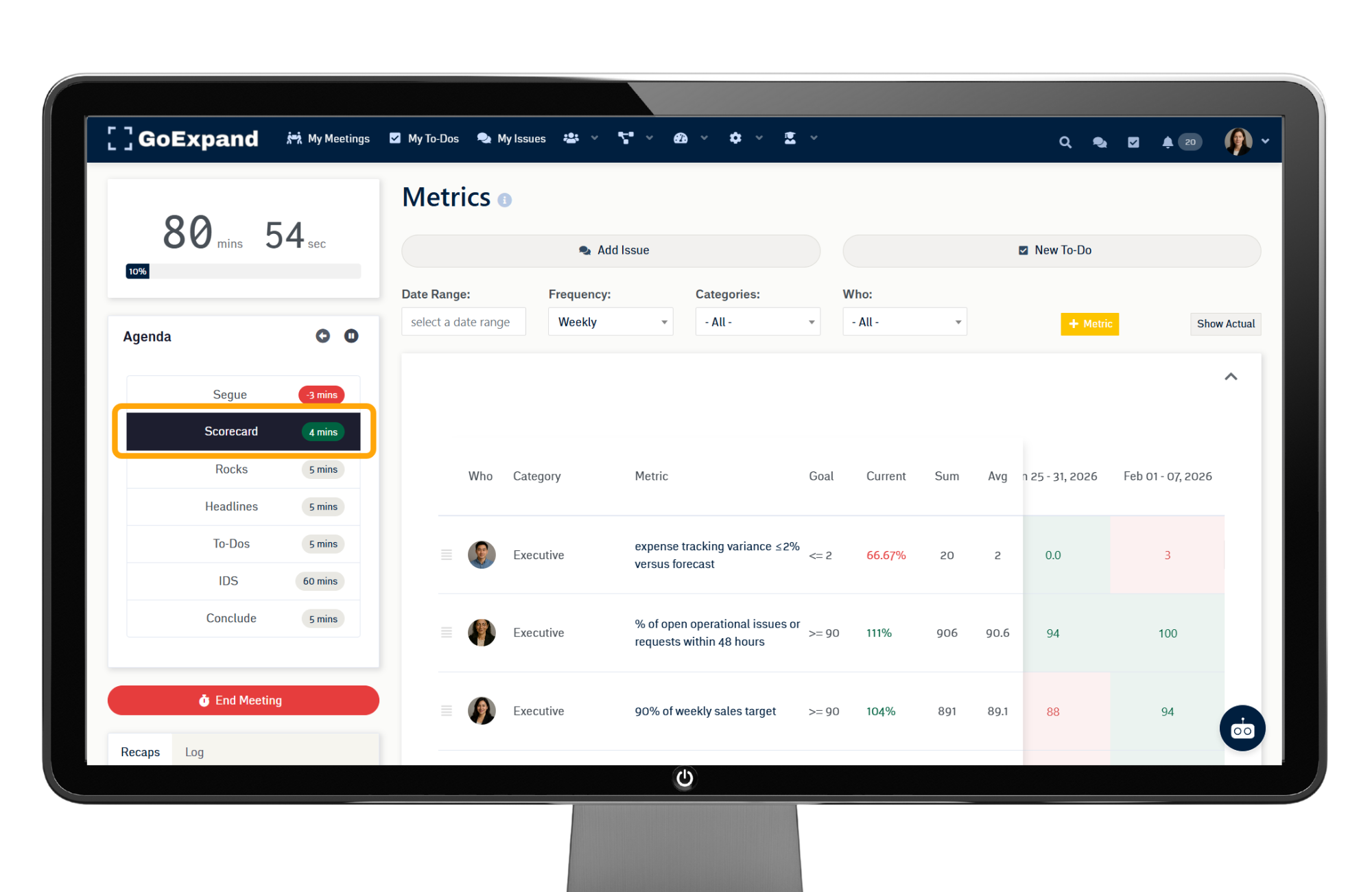
The Scorecard section is used to quickly review the key weekly Metrics that show whether the team is winning or losing for the week. Its purpose is to create objective clarity by focusing on numbers—not opinions—so the team can spot Issues early and stay aligned on performance.
During the meeting, each Metric owner reports whether their number is on track, off track, or at risk, typically without lengthy discussion. If a Metric is off track, it’s noted and moved to the IDS® section for deeper conversation later.
To use the Scorecard properly, keep it concise, consistent, and time-boxed, review the same Metrics each week, and resist the urge to solve problems during the review.
When done well, the Scorecard keeps meetings focused, data-driven, and grounded in what actually matters most.
⏱️ 5 Minutes: Rocks Review
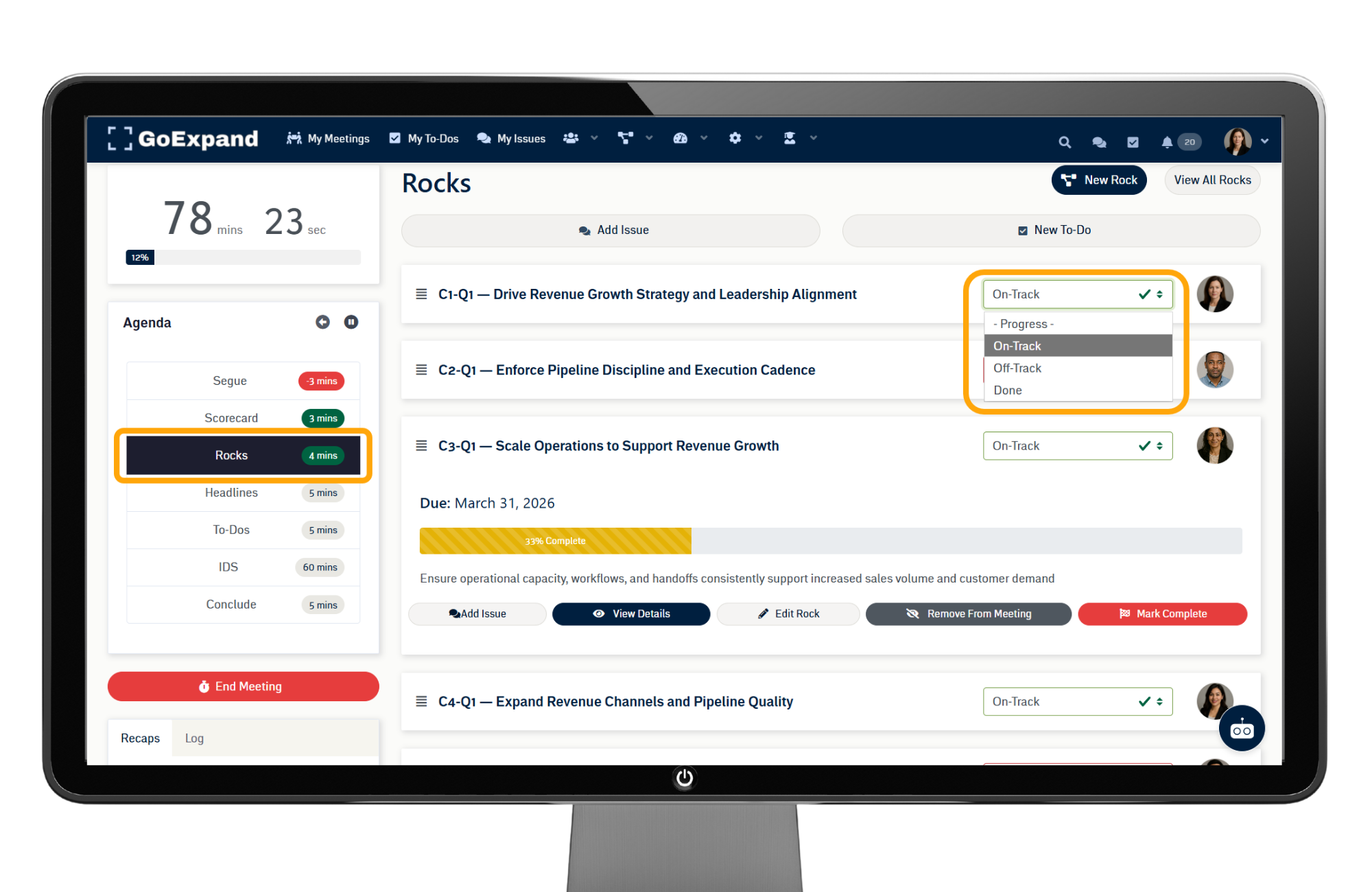
The Rocks Review section is used to review progress on the team’s most important quarterly priorities, called Rocks. Its purpose is to create visibility and accountability around execution without turning the meeting into a status update overload.
During the meeting, each Rock owner provides a brief update—typically whether the Rock is on track or off track—along with any key blockers.
Detailed problem-solving is deferred to the IDS® section if needed.
To use Rock Review effectively, keep updates concise, focus on outcomes rather than tasks, and review only active quarterly Rocks.
When used consistently, Rock Review ensures critical priorities don’t stall between meetings.
⏱️ 5 Minutes: To-Do List
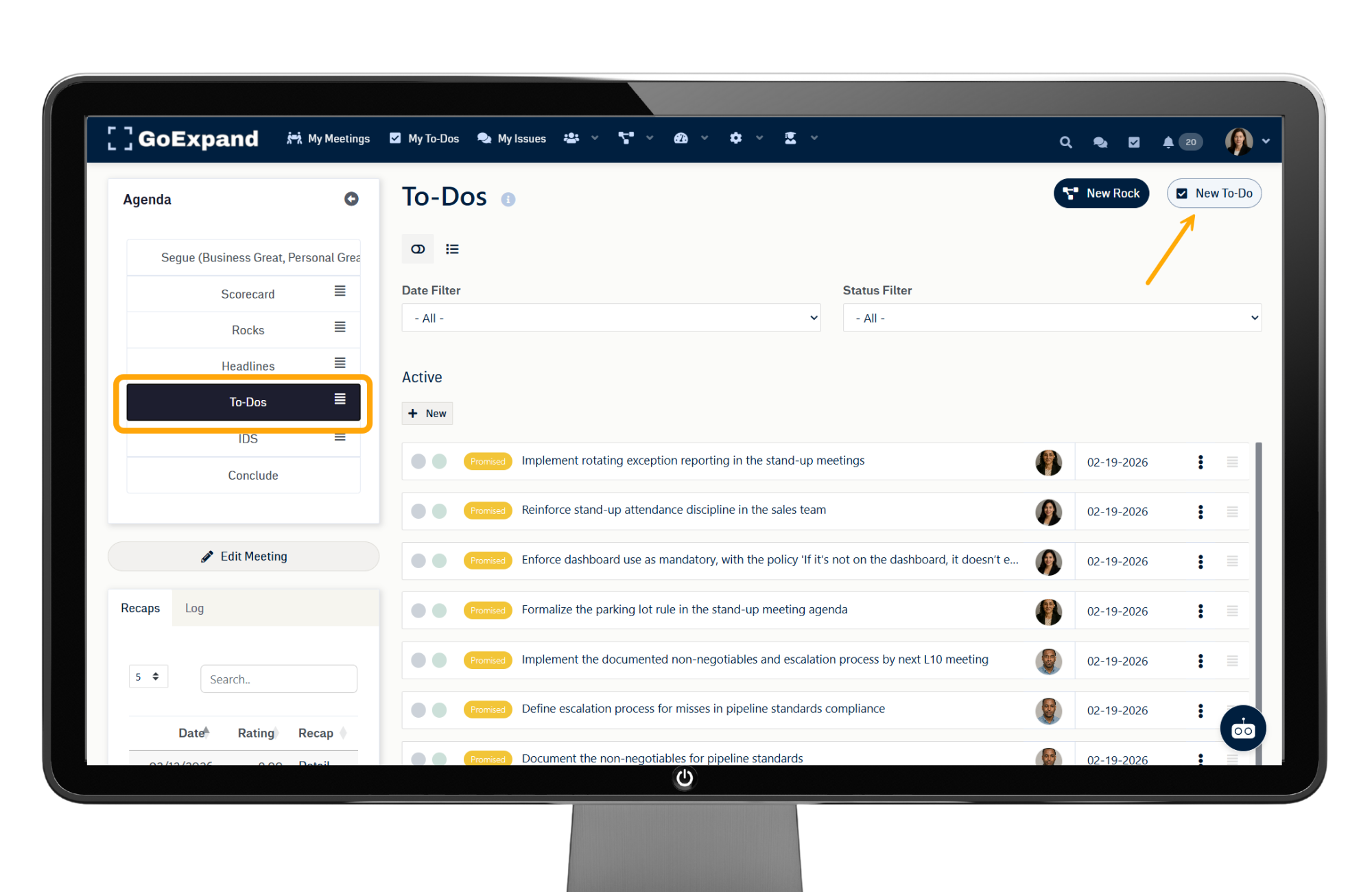
The To-Do List section is where conversations turn into clear, actionable commitments. Its purpose is to ensure that decisions made and discussions held during the meeting result in specific actions with ownership and deadlines.
As To-Dos come up throughout the meeting—whether from the Scorecard, Rocks, or IDS®—they should be captured, assigned to one owner, and given a due date.
When used properly, To-Dos are reviewed briefly for clarity, not debated, and remain visible until completed.
This ensures follow-through, reinforces ownership, and prevents important actions from being forgotten once the meeting ends.
⏱️ 5 Minutes: Headlines
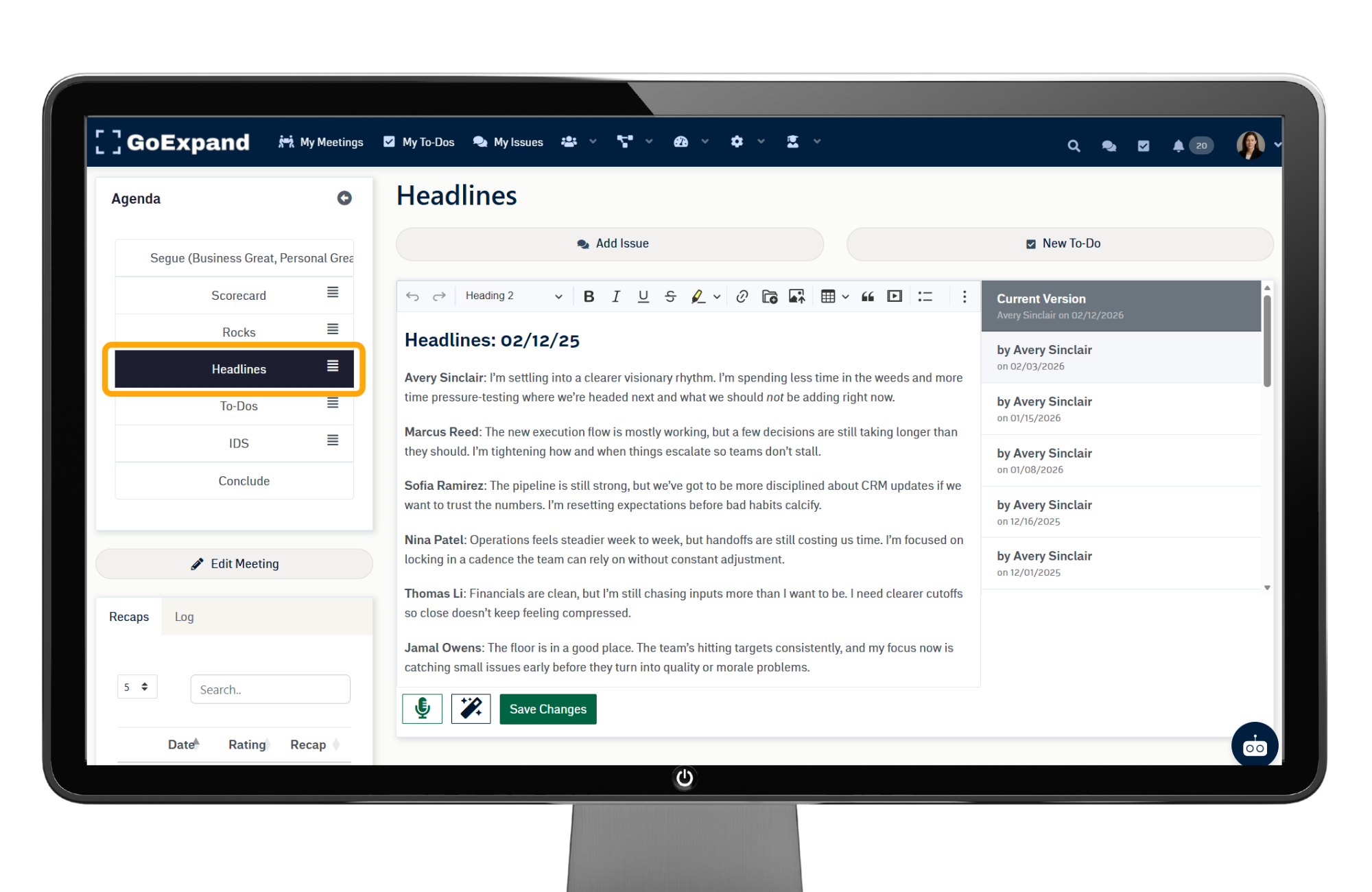
The Headlines section is designed to quickly share important updates, wins, or announcements the team needs to know. Its purpose is to keep everyone informed without derailing the meeting with deep discussion.
Headlines can include:
Notable successes
Key changes
Decisions made outside the meeting
Relevant updates impacting execution
To use Headlines effectively, keep each update brief and high-level—if a topic requires discussion or action, it should be captured as an Issue or To-Do and addressed later.
When used consistently, Headlines build transparency, reinforce momentum, and help the team stay connected.
⏱️ 60 Minutes: IDS® (Identify, Discuss, Solve)
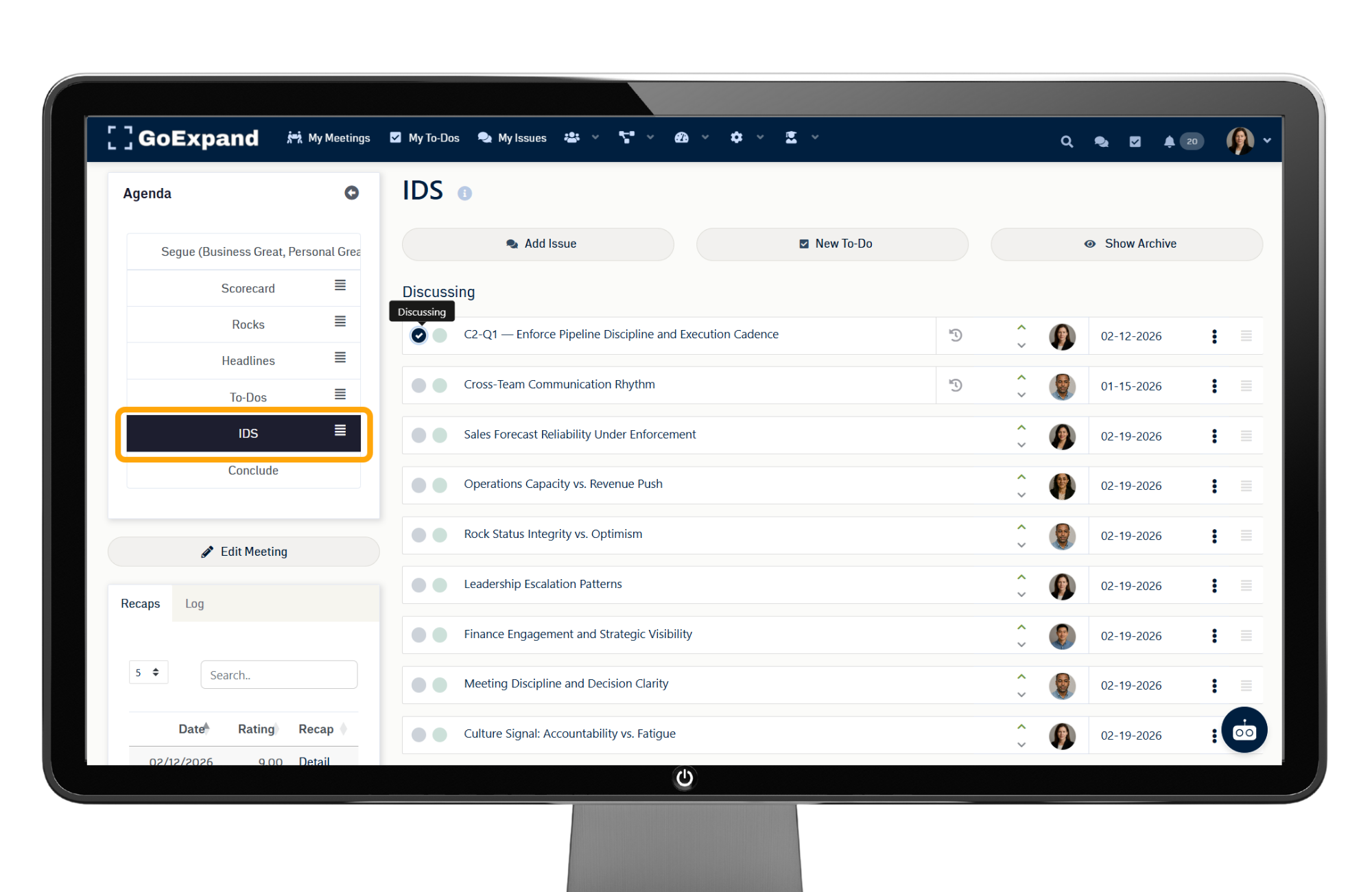
The IDS® section is where real problem-solving happens. Its purpose is to ensure the team identifies Issues, discusses them efficiently, and solves them with clear next steps.
As Issues come up during the meeting, they are added to the Issues List. During IDS®, the team selects the most important Issues and works through them one at a time:
Identify the root issue
Discuss possible solutions
Solve with a clear decision or To-Do
If an Issue results in action, a To-Do should be created and assigned immediately.
When used properly, IDS® keeps meetings focused, encourages participation, and ensures Issues are resolved rather than carried forward week after week.
⏱️ 5 Minutes: Conclude
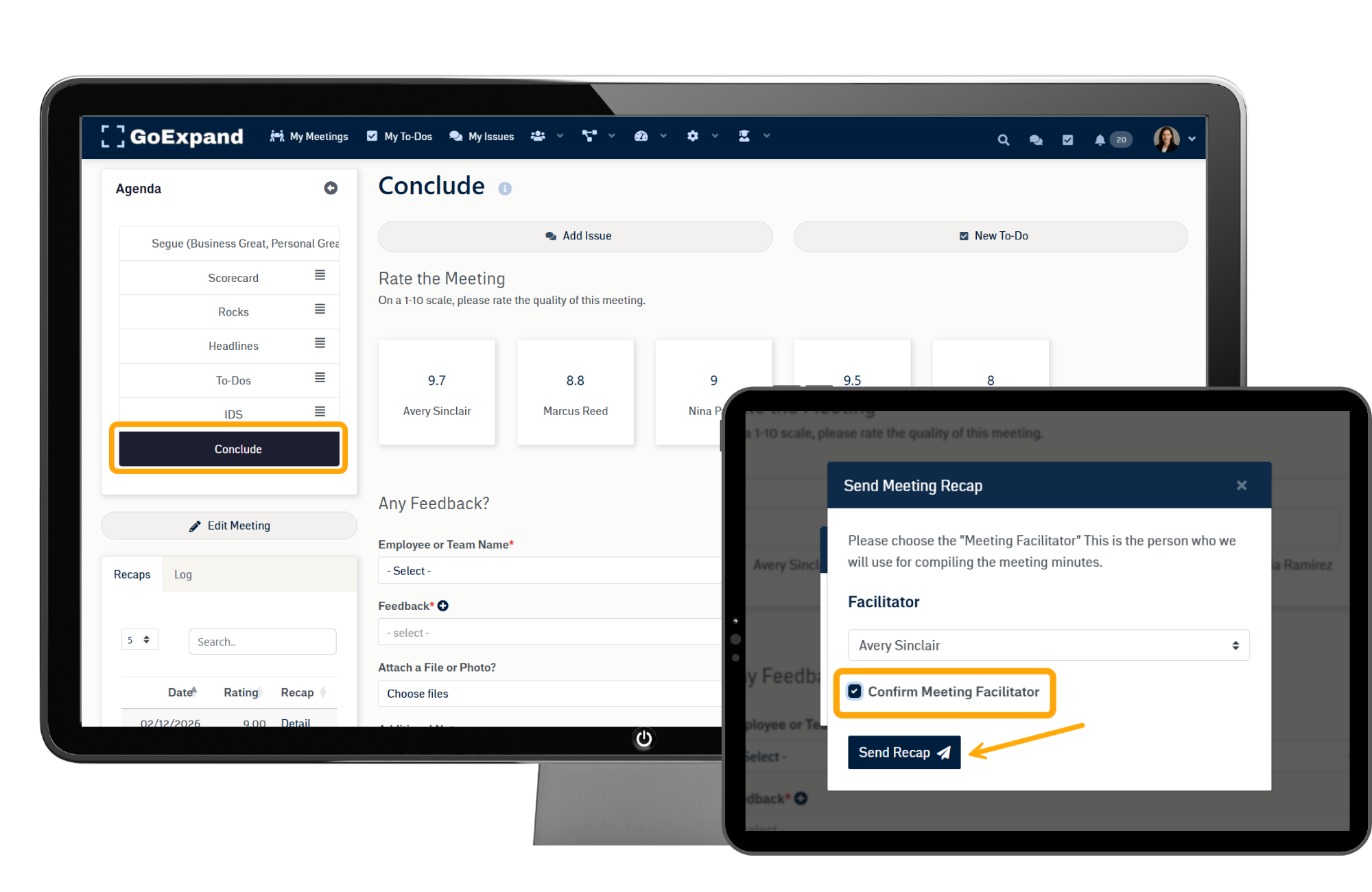
The Conclude section reinforces clarity and ensures everyone leaves aligned on what happens next. Its purpose is to summarize key decisions, confirm assigned To-Dos, and verify priorities before ending the meeting.
During Conclude, the facilitator typically:
Reviews new or updated To-Dos
Confirms owners and due dates
Shares cascading messages
Rates the meeting (1–10)
To use this section effectively, keep it brief and structured—focus on outcomes, not rehashing discussion.
When done consistently, Conclude prevents confusion and ensures meetings end with momentum instead of loose ends.
Tips & Tricks
Stay on agenda and respect time boxes
Focus on solving, not discussing
Keep updates short and relevant
Be transparent and honest
Aim for 90%+ completion of To-Dos
Rate the meeting (1–10) at the end
Send the meeting recap email to your team
See full training article here.
>Up Next: Run Your Level 10 Meeting™ in GoExpand | Meeting Execution Guide